How to Make a Comp Card: A Step-by-Step Guide for Models (Free)

Making a comp card is less about design and more about decisions. Which photos go in, which numbers you list, what you leave out. Get those right and almost any clean layout works. Get them wrong and no template will rescue the page.
This guide walks through the whole job in order, from choosing photos to sharing the finished card. If you are not sure what a comp card is for, start with what is a comp card and come back.

Start with the photos, not the layout
Most people open a template first and look for photos to fill it. Do it the other way around. The photos decide how many slots you need, which layout suits them, and whether the card feels calm or crowded.
Gather everything recent. Recent means the last few months, with the hair, skin and weight you have now. A photo that looks like a different person is a problem at the first meeting, however good it is.
Then put them all on a screen at once and ask a blunt question of each one: would a booker learn something new from this image that the others do not already show? If the answer is no, it is a duplicate, and it should go.
Choose four to six photos that show range
Most cards use between four and six photos. Fewer than four rarely shows enough range, and more than six makes the page slow to read. A reliable mix looks like this:
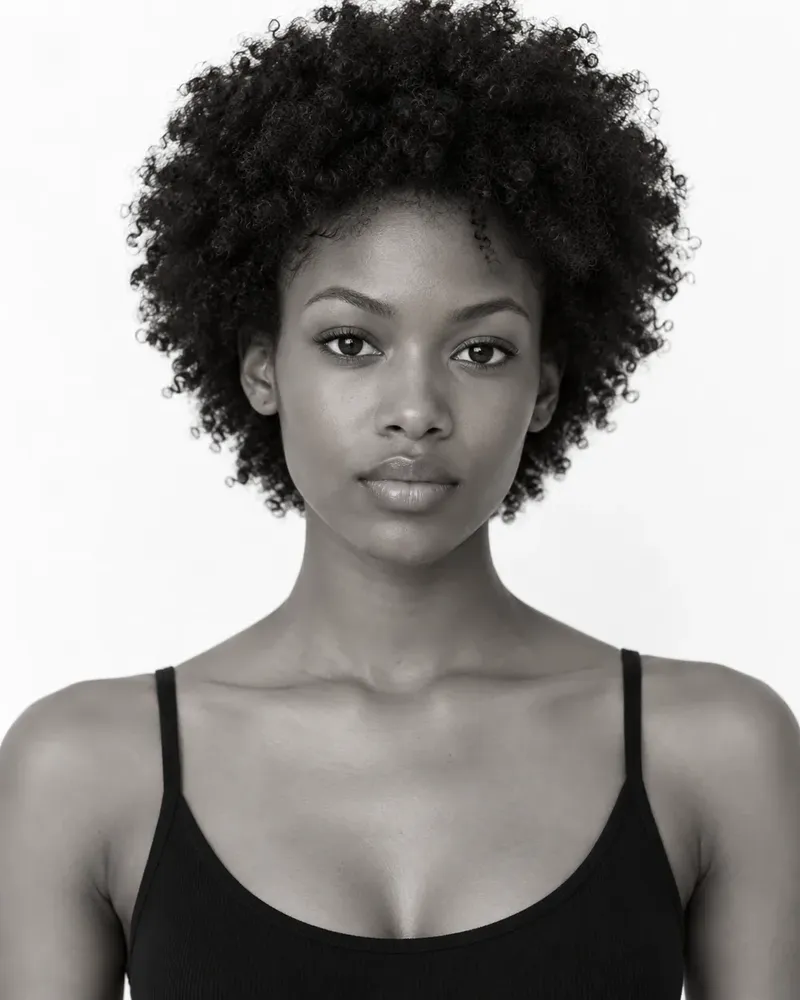
- A clean headshot. Face to camera, natural light, little or no makeup. This is the photo that tells a booker who you are.
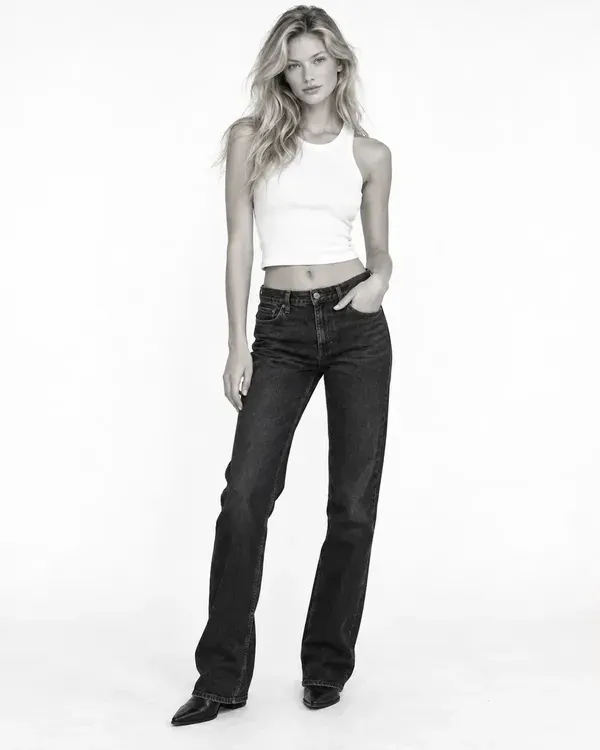
- A full-length shot. Standing, simple clothes, nothing covering your shape. It shows proportion and posture.
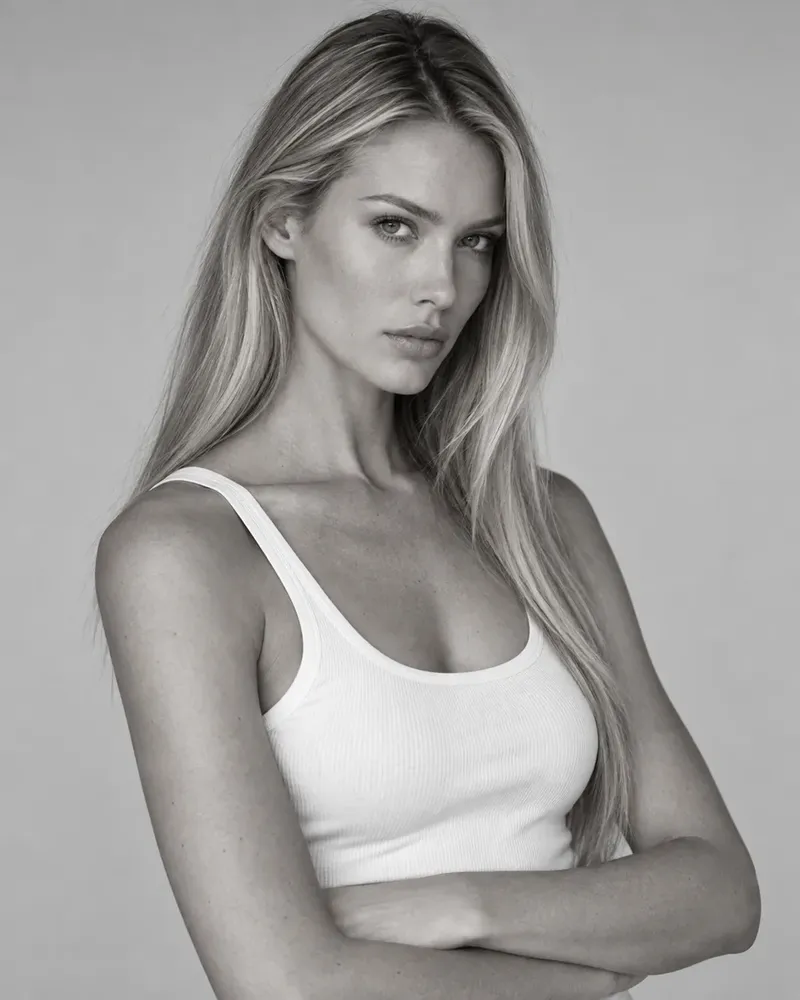
- A profile or three-quarter angle. It shows bone structure and how you look when you turn away.
- One image with personality. A smile, movement or a more styled look. It tells a booker what you are like to work with.
- Optional extras. A second full-length in a different outfit, or a close-up that shows your hair or skin.
Keep the lighting and the background consistent where you can. A card with one dark moody image and one bright outdoor image looks like two different people. If you need help with the simplest, most honest photos, read how to take modeling digitals.
Write measurements you can stand behind
Measurements are the part of the card a booker reads for fit. List height, bust, waist and hips for women's work, or chest, waist and inseam for men's work, then dress or suit size, shoe size, hair and eye colour. Our guide to what to put on a comp card covers every line.
Be accurate. Measure yourself on a normal day, not after a big meal and not after a workout, and measure twice. If you round, round to the nearest half unit rather than to a number that sounds better. A card that says you are a size you are not will be corrected in person, and the correction costs you trust. If you are unsure how to take each measurement, see model measurements, explained.
Use the units the agency or country you are applying to expects, and say which they are. Centimetres are the norm in most places, inches in the United States. On FYND you can choose either, and the card shows the numbers the way you wrote them.
Pick a layout that gets out of the way
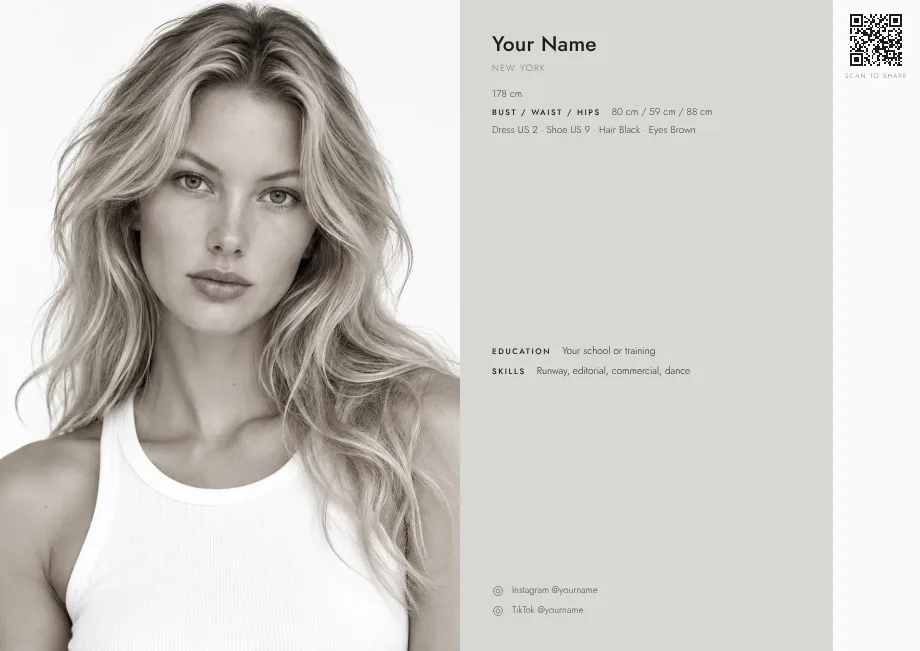
The layout is there to hold the photos and make the information easy to find. It should not compete with either. Look for three things: plenty of white space, one typeface, and a clear order, with your name first, the photos next and the details underneath.
If you are unsure where to start, there are a few layouts that nearly always work. A single page with one large portrait and a row of smaller photos is the safest. A sheet laid out like an agency composite, with four photos in a grid, reads quickly. A minimal sheet with one framed photo suits a person whose headshot is the strongest thing they have.
FYND has seven designs for exactly this, from Classic to Noir, and you can see every one on the designs page. You can change the design at any time without changing your link.
Add contact details and a way to reach you
A card nobody can act on has failed. Add an email address you check, and a phone number if you want bookers to call you. If you are signed, add your agency's contact details instead of your own, because the agency handles bookings.
Add your city, because location is often the first thing a booker checks. If you travel, say when. On FYND you can add availability and travel dates to your card, so an agency searching a city can find you when you are there.
Leave your date of birth off. It is not needed on a card, and FYND never shows it.
Check it like a booker would
Before you share the card, look at it the way the person receiving it will.
- Open it on a phone. Most cards are first seen on a small screen. Can you read the numbers without zooming?
- Cover your name and look at the photos. Do they look like the same person, in the same period of your life?
- Check every number twice. Is the height in the unit you said? Do the measurements look sensible next to each other?
- Read it out loud. If you stumble over a line, a booker will skim past it.
- Print it. Save the card as a PDF and print it on plain paper. If it works in black and white at a normal size, it works anywhere.
Ask one person who will be honest to look at it. A friend who only says it looks great has not really looked. A friend who tells you the third photo does not look like you has.
Share it and keep it current
A digital card is shared by link. Put the link in your email signature, your Instagram bio and any submission you send. Add the QR code to a business card or a poster, so that anyone with a phone can open it without typing.
Keep it alive. When your hair changes, when you gain or lose weight, or when you shoot something better, update the card. With a digital card the link stays the same, so everyone who has it sees the new version. A printed card cannot do that, which is one reason most models have moved to digital comp cards.
Build yours for free on FYND
If you want to skip the layout work, you can make a card on FYND in a few minutes, and it costs nothing.
- Create an account. FYND is for people who are 18 or older.
- Add your photos and put the strongest first.
- Fill in your details and measurements, in centimetres or inches.
- Choose one of the seven designs. You can preview each one on the example pages before you decide.
- Publish, then share the link or the QR code. Every design also saves as a clean A4 PDF.
Create your free comp card and you will have something to send to an agency today.
A good comp card comes from good decisions: a few recent photos that show range, measurements you can stand behind, a quiet layout and a link that is easy to share. Make the choices first, build the page second, and update it as you change. When you are ready, build your free comp card.
To see everything FYND offers talent, visit the talent features page.
Frequently asked questions
How long does it take to make a comp card?
If your photos are ready, about ten minutes. Most of the time goes on choosing photos and checking the numbers, not on the layout.
Do I need a professional photographer for a comp card?
Not for a first card. Clear, recent, well-lit photos are enough, and agencies often prefer honest simple images to heavily styled ones. As your work grows you can replace the photos with professional ones.
Can I use phone photos on my comp card?
Yes, if they are sharp, well lit and show you honestly. Natural light and a plain background make a large difference. Avoid filters and heavy retouching, because agencies want to see what you really look like.
Should I put my date of birth on my comp card?
No. It is not needed on a card, and leaving it off is safer. FYND asks for your date of birth to check that you are 18 or older, and it is never shown on a card.
Can I have more than one comp card?
Yes. You might want one for fashion work and one for commercial work, with different photos. On FYND you can keep up to four cards, each with its own design.